cross-posted from: https://lemmygrad.ml/post/461331
- Get the “Advanced Profanity Filter” Extension from the Firefox extension store.
- In the settings change the Filter Method from “Censor” to “Remove”
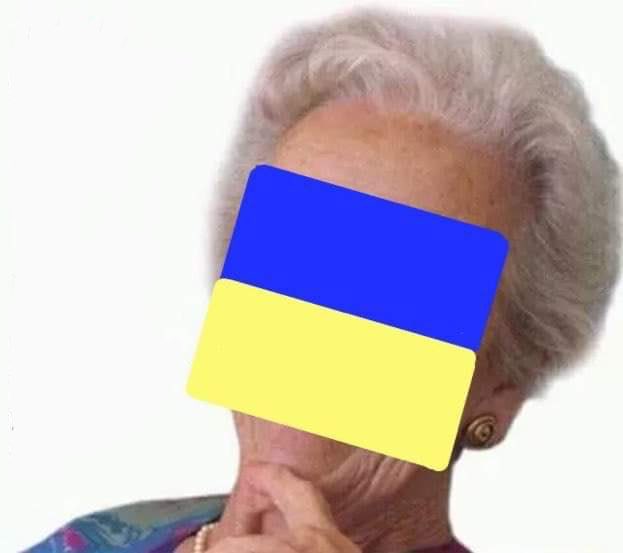
- Go to the words tab and remove all other words, insert “🇺🇦” as a word and select the match method “Regex”.
You can do that with any emoji or word you don’t want to see. Of course, you might want to keep the Ukraine Flag emoji around so that you instantly know which person’s opinion doesn’t matter.
It’s better to keep the Ukrainian flag visible, that way you can immediately spot the liberal morons and fascist bots at a glance. You know who to ignore.
I like what the commenter in the original post did. They replaced the Ukraine flag emoji with a burger emoji.
You can also get it to replace Ukraine flags with “This person’s opinion doesn’t matter”
How am I supposed to identify fascists then
deleted by creator
just replace 🇺🇦 with 🤡
This is my personal list of insta-block emojis.
🍩🌐🗽🧢🌹🥀🇺🇸🛠️🌊🇽🇰🇹🇼🇺🇦💛💙🌻🧋🧦
I understand the majority, but why the donut, socks, roses?
Socks and roses are ya for social democrats. The donuts is some kind DNC “fuck you vote for Hillary” in joke that a lot of blue checks were super proud of. I actually don’t really remember the context nor do I think it’s relevant anymore. I think most of them moved on to become khivers or some shit who knows. -
deleted by creator
deleted by creator
I most often see it Maoist ultra handles.
deleted by creator
we need a browser extension that detects the flag and auto blocks on sight